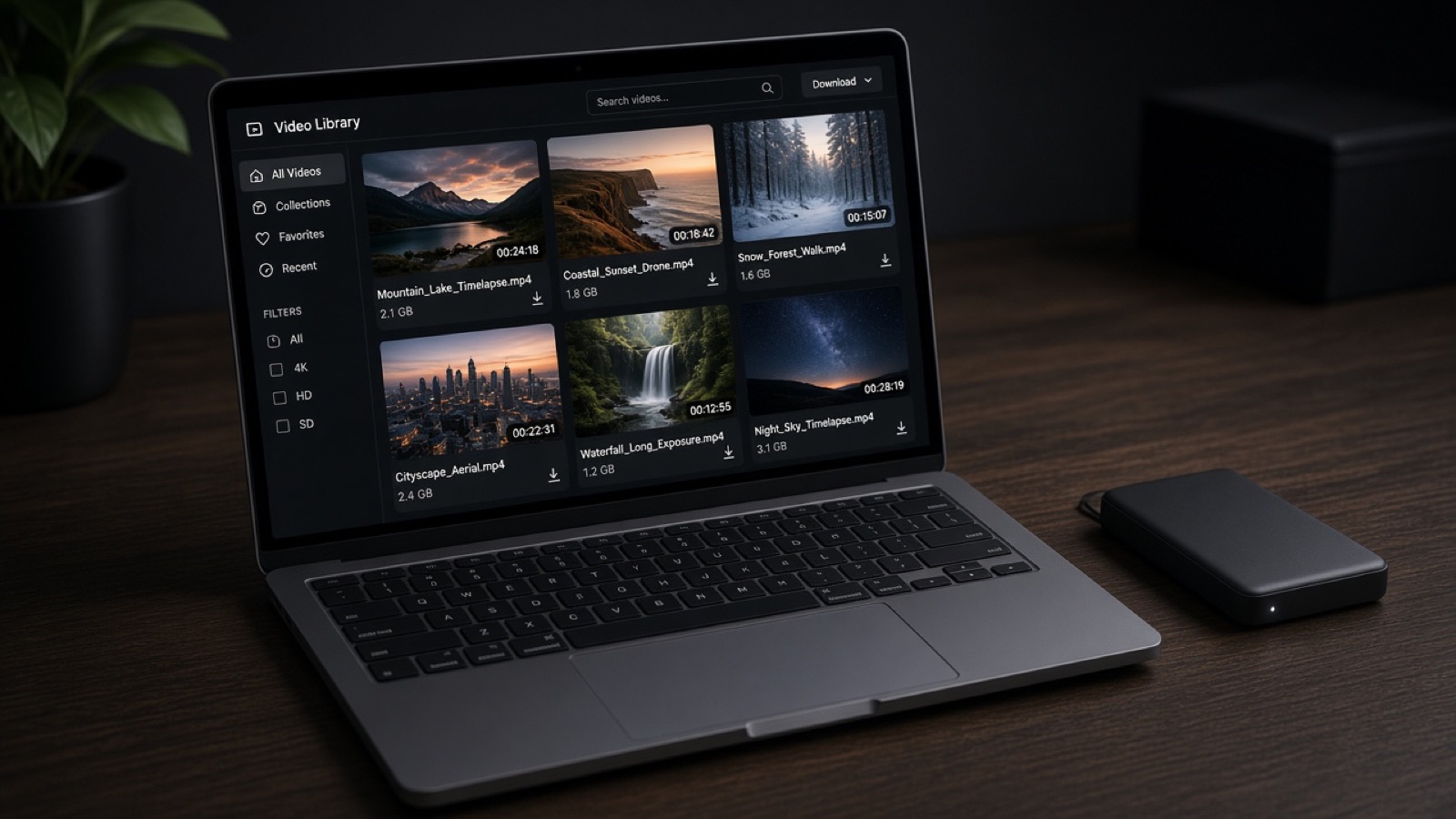
AI made it easy to create another version. It did not make a home for that version. The cull lives in one app. The verticals live in a downloads folder. The transcript lives in a chat. The client lives in email, asking which link is current. The tools got faster. The archive got worse. AI files still need a home, and the home should be the same place you already owe the client.
What creators are actually generating
The useful 2026 stack is specific. Photo tools can cull and batch a first pass. Video tools can pull clips, caption them, and reframe a speaker from a wide shot into a vertical. Transcription turns a podcast into a searchable text. A language model can draft the recap email, the shot list, and a first treatment. Used with a standard, these save hours. Used as a junk drawer, they create five almost-finished assets and zero delivery.
Separate AI products often bill like separate businesses: culling in one subscription, clipping in another, storage in a third. A creator can spend $30 to $45 a month on the AI layer alone before anyone has reviewed a frame. That spend is fine if the output lands somewhere durable. It is waste if the output expires inside the tool that made it. The judgment side of this is in AI will not book the client.
Bizzi Cloud is the address
Bizzi Cloud is where the job should already live, so the AI exports have a room next to the source. Make a project. Add subfolders a client can read: selects, social cuts, captions, finals. Review comments stay on the work. Stills go to a gallery. The approved set leaves as a branded transfer. Gallery Suite is included on every paid plan. Transfer-link invoicing means the handoff can also ask to be paid.
- 500 GB on Bizzi Creator, $22 a month, for a solo library.
- 2 TB on Bizzi Pro, $30 a month, when an editor needs a seat.
- 5 TB and 10 TB on Network and We Bizzi when the archive is the business.
- Raw Unlimited at $50 a month when the library is photographs and the RAW files are the product.
AES-256 at rest and in transit is on every plan. Annual billing saves 18 percent on the base and on seats. The full walkthrough of the product is one cloud for the whole creative job. Cochran Films uses this kind of path when a client needs the footage to feel finished. Read cloud delivery done right for the studio standard.
An AI cut is a draft until it has a folder, a reviewer, and a link that still works on Monday.
Decide the stack with other creators
The tool list will change every quarter. The people who have clients will tell you which hour is actually saved. That conversation belongs in Creator Collective, not in a comment section under a demo. Members compare workflows, download assets, and book work. Pro members invoice from the same membership that lowered the payout fee. Watch the practical episodes at @creatorcollectivecca and bring your real folder structure, not a hypothetical one.
A filing rule that survives the next model
- Source, selects, social, and finals are four folders. Make them before you generate anything.
- Export into the project, not into a chat you will not reopen.
- One review link for the client. One transfer when it is approved.
- Name files for the client. Let the tool be fast. Let the names be plain.
- If a subscription only produces files you cannot hand off, cancel it.
A direct next step
Take the last AI export you made and put it in a Bizzi Cloud project next to the source. Send one review link. If you cannot explain the folder to a client in a sentence, rename it until you can. Then talk through the tool list with Creator Collective before you add another monthly charge.
Tags: AI tools, Bizzi Cloud, file delivery, creator workflow, galleries